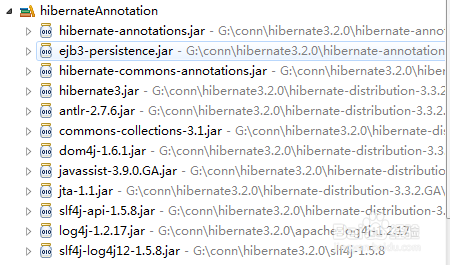
1、在已经下载好hibernate-distribution-3.3.2.GA.jar,slf4j-1.5.8.jar两个jar包的前提下,下载apache-log4j-1.2.17.jar



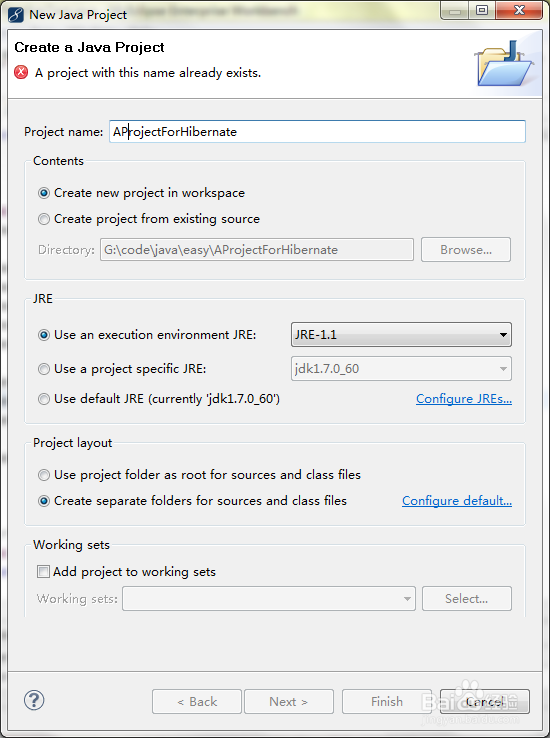
2、打开myEcpllise/ecplise,新建一个java project,命名为AProjectForHibernate
3、选中项目,点击右键,选择build path,点击add libernary

4、增加hibernate需要的jar包(此处加载的是annotation注解方式所需要的)
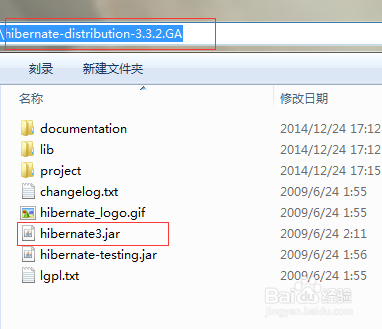

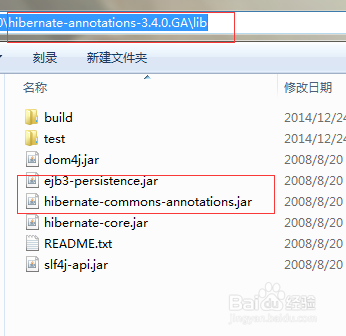
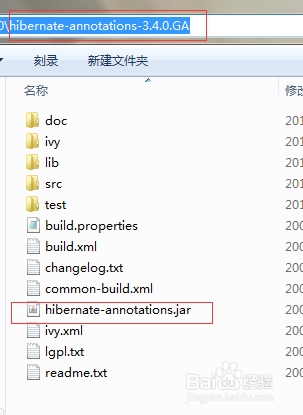
5、增加【log4j-1.2.17.jar】,【slf4j-log4j12-1.5.8.jar】


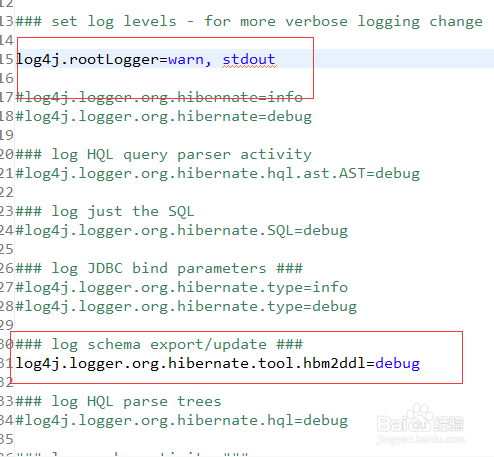
6、在程序根目录中增加log4j.properties,可从【hibernate-distribution-3.3.2.GA\project\etc】中拷贝

7、将log4j.properties中一些暂时不需要的注释掉
8、总共的jar包需要12个(不包括数据库连接所使用的)