1、桌面空白处右击—新建—文件夹。

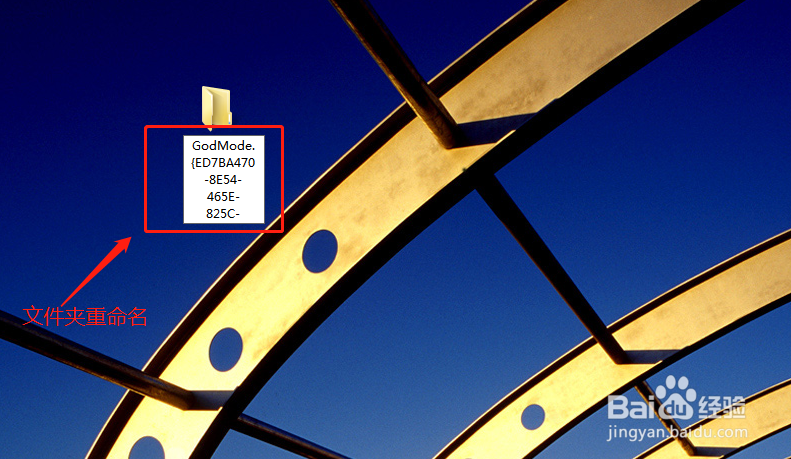
2、接下来,把这个文件夹重命名为GodMode.{ED7BA470-8E54-465E-825C-99712043E01C}。
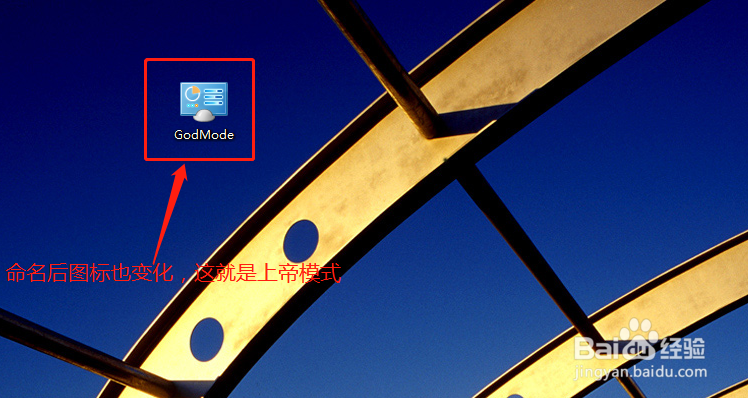
3、鼠标点击空白处,图标变为如下,这就生成Godmode模式了。
4、双击它,打开界面如下图所示。
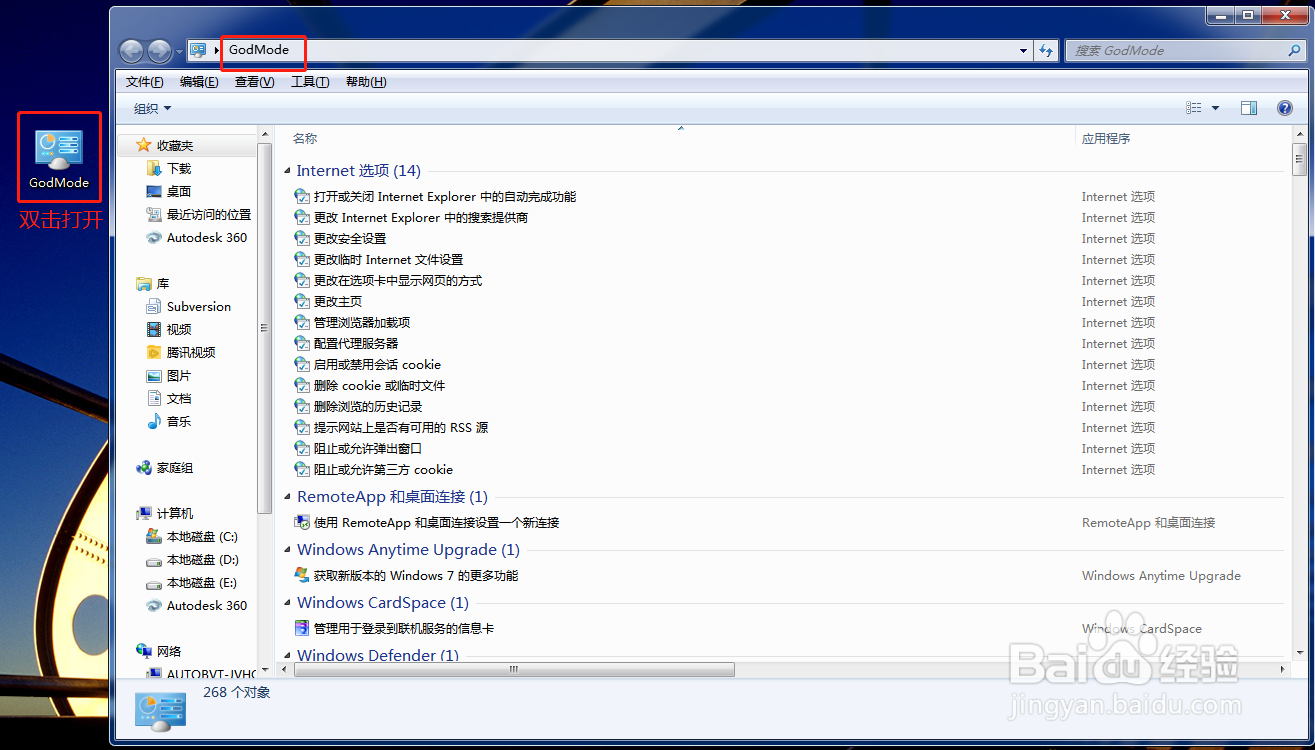
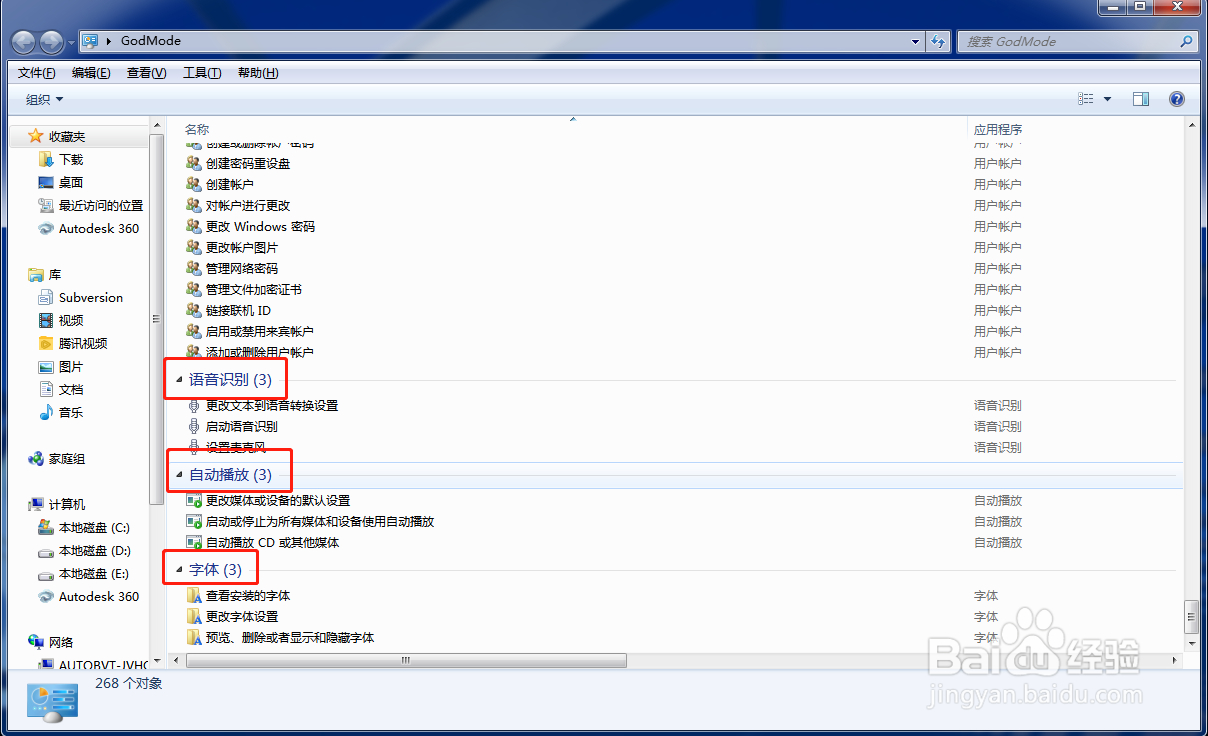
5、接下来就可以进行一些功能的设置,如更改Internet选项、也可以检查系统更新、也可以查看电脑中安装的程序……功能非常多。


1、桌面空白处右击—新建—文件夹。
2、接下来,把这个文件夹重命名为GodMode.{ED7BA470-8E54-465E-825C-99712043E01C}。
3、鼠标点击空白处,图标变为如下,这就生成Godmode模式了。
4、双击它,打开界面如下图所示。
5、接下来就可以进行一些功能的设置,如更改Internet选项、也可以检查系统更新、也可以查看电脑中安装的程序……功能非常多。