</div>

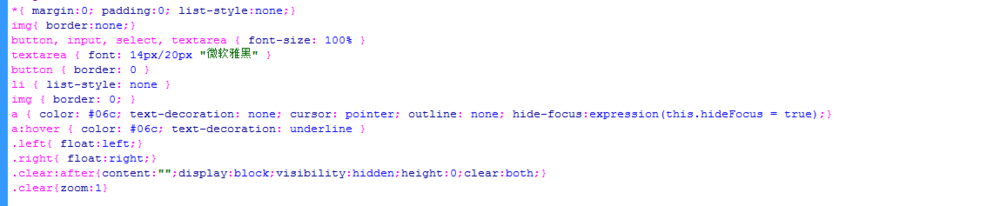
4、初始化css代码。
<style>
*{ margin:0; padding:0; list-style:none;}
img{ border:none;}
button, input, select, textarea { font-size: 100% }
textarea { font: 14px/20px "微软雅黑" }
button { border: 0 }
li { list-style: none }
img { border: 0; }
a { color: #06c; text-decoration: none; cursor: pointer; outline: none; hide-focus:expression(this.hideFocus = true);}
a:hover { color: #06c; text-decoration: underline }
.left{ float:left;}
.right{ float:right;}
.clear:after{content:"";display:block;visibility:hidden;height:0;clear:both;}
.clear{zoom:1}</style>
5、书写css代码。
.aaa{ width:600px; height:400px; margin:100px auto;text-align:center;vertical-align:middle;display:block;position:relative; background:#ddd;}
.aaa a{display:table-cell;vertical-align:middle;width:600px; height:400px; }
.aaa a img{max-width:600px;max-height:400px; }
6

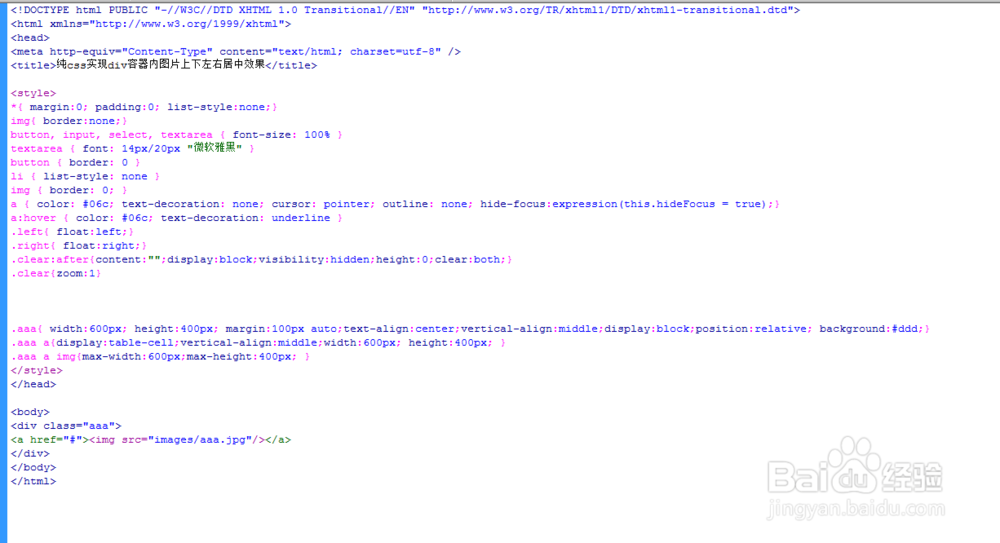
7、代码整体结构。
8、查看效果。