1、打开Windows server 2012操作系统;
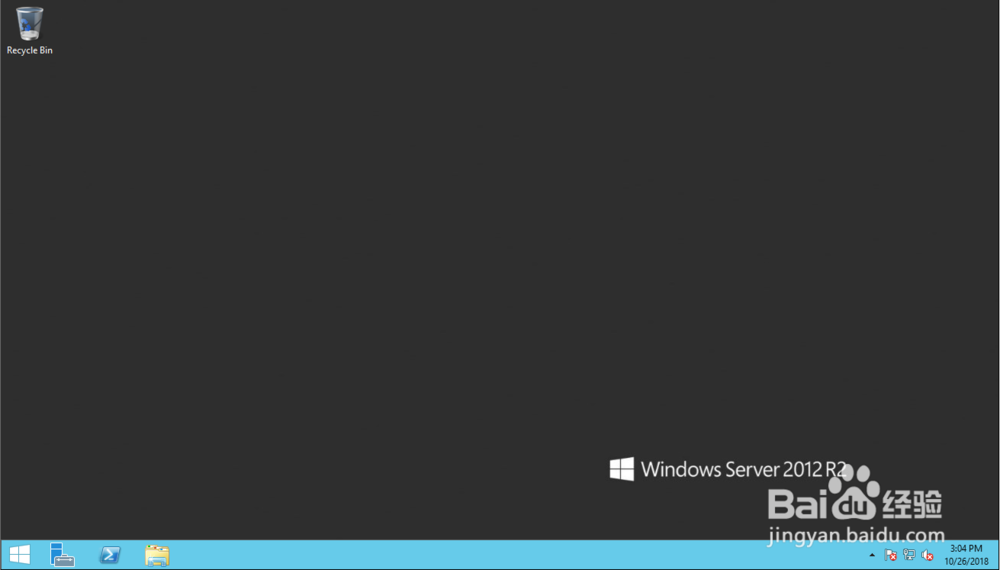
2、点击桌面底部的开始菜单按钮;

3、开始菜单自动打开;
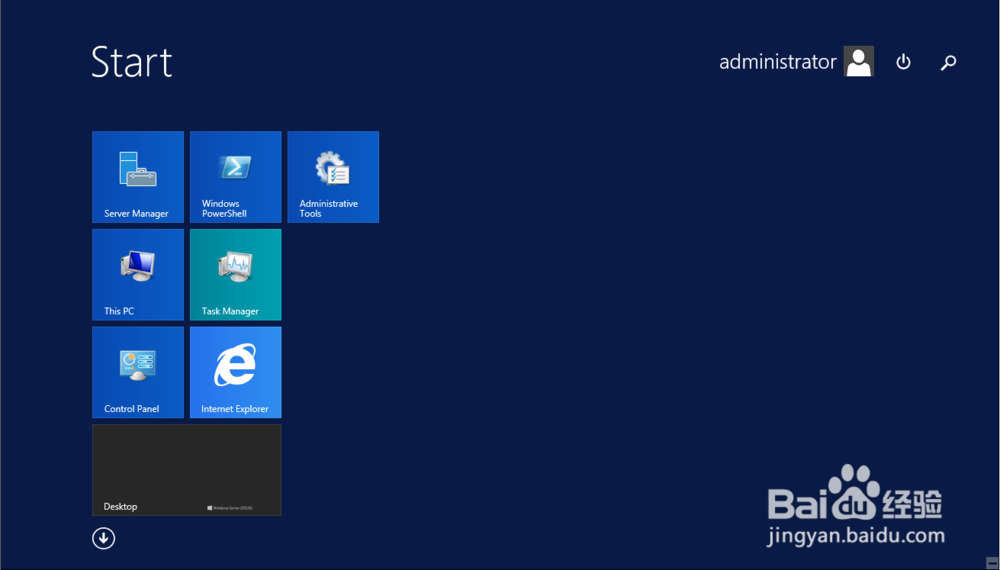
4、向下滑动鼠标,点击开始菜单左下角向下的箭头;

5、所有应用界面自动打开;

6、向右滑动界面,找到运行选项;

7、系统运行窗口自动打开。

1、打开Windows server 2012操作系统;
2、点击桌面底部的开始菜单按钮;
3、开始菜单自动打开;
4、向下滑动鼠标,点击开始菜单左下角向下的箭头;
5、所有应用界面自动打开;
6、向右滑动界面,找到运行选项;
7、系统运行窗口自动打开。